

This is available on the Paid plan.
Setting Up Telegram Integration
Follow these steps to connect your form to a Telegram chat.Get Your Chat ID
To receive notifications, you’ll need to start a chat with the PipedForm bot to get your Chat ID.
- Open Telegram and search for PipedForm Bot, or open this link: https://t.me/PipedFormBot
- Start a chat with the bot by sending
/start - The bot will reply with your Chat ID
- Copy the Chat ID
Add Telegram Integration
Go to Integrations page, Add Integration > Telegram. Enter Name and Chat ID, then Save.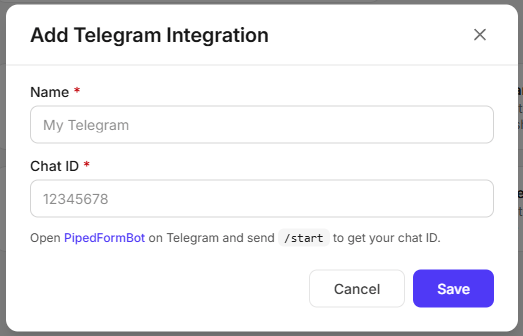
Data Sent to Telegram
For every submission, PipedForm sends a message to your Telegram chat containing:- All submitted form field data
submittedAt- the date and time the submission was received